
This guide will help you embed your Returns/Exchanges page into your Shopify store, making it easy for customers to initiate returns and exchanges. Follow the steps below to set up your return page quickly and efficiently.
Step 1: Access Your Shopify Admin Dashboard
- Log in to your Shopify account.
- Navigate to the Admin Dashboard.
Step 2: Create a New Page
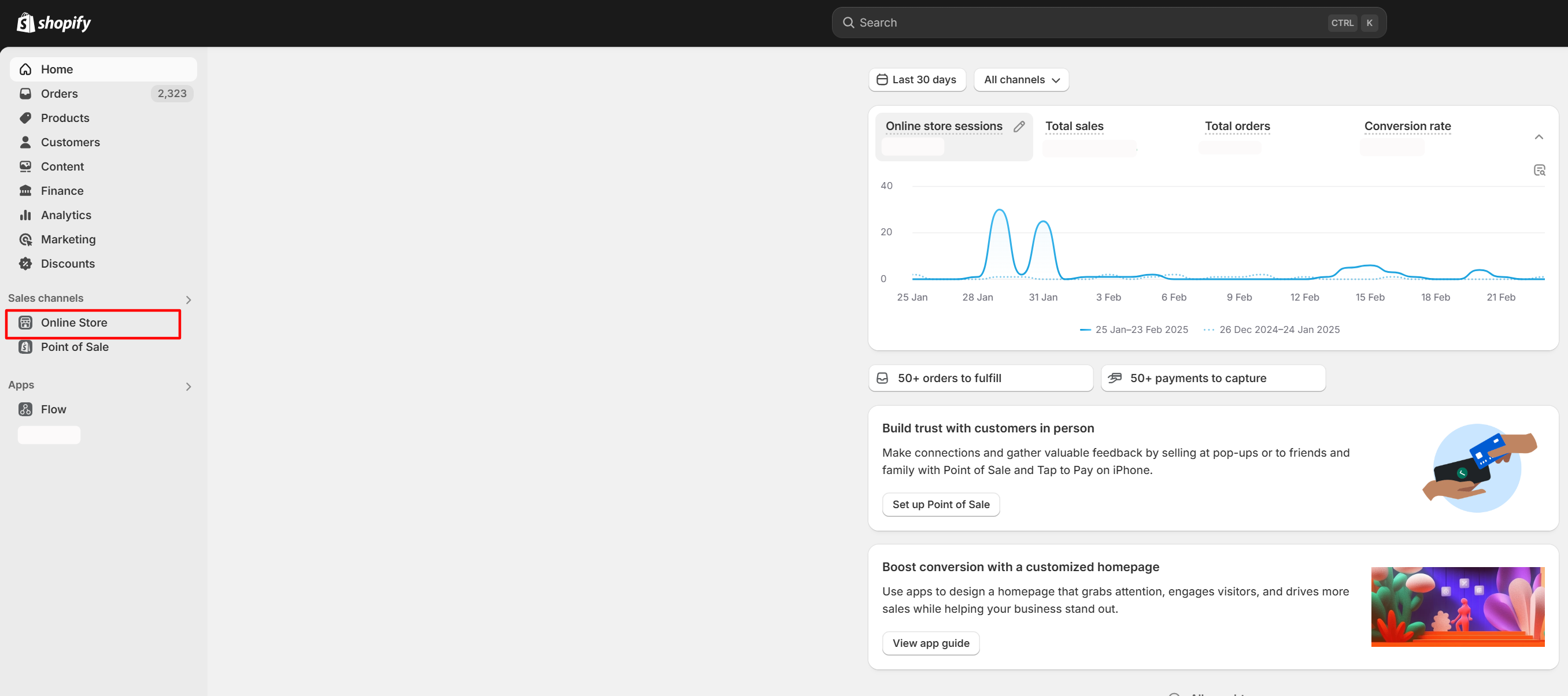
In the Shopify Admin Dashboard, go to Online Store in the left-hand menu.
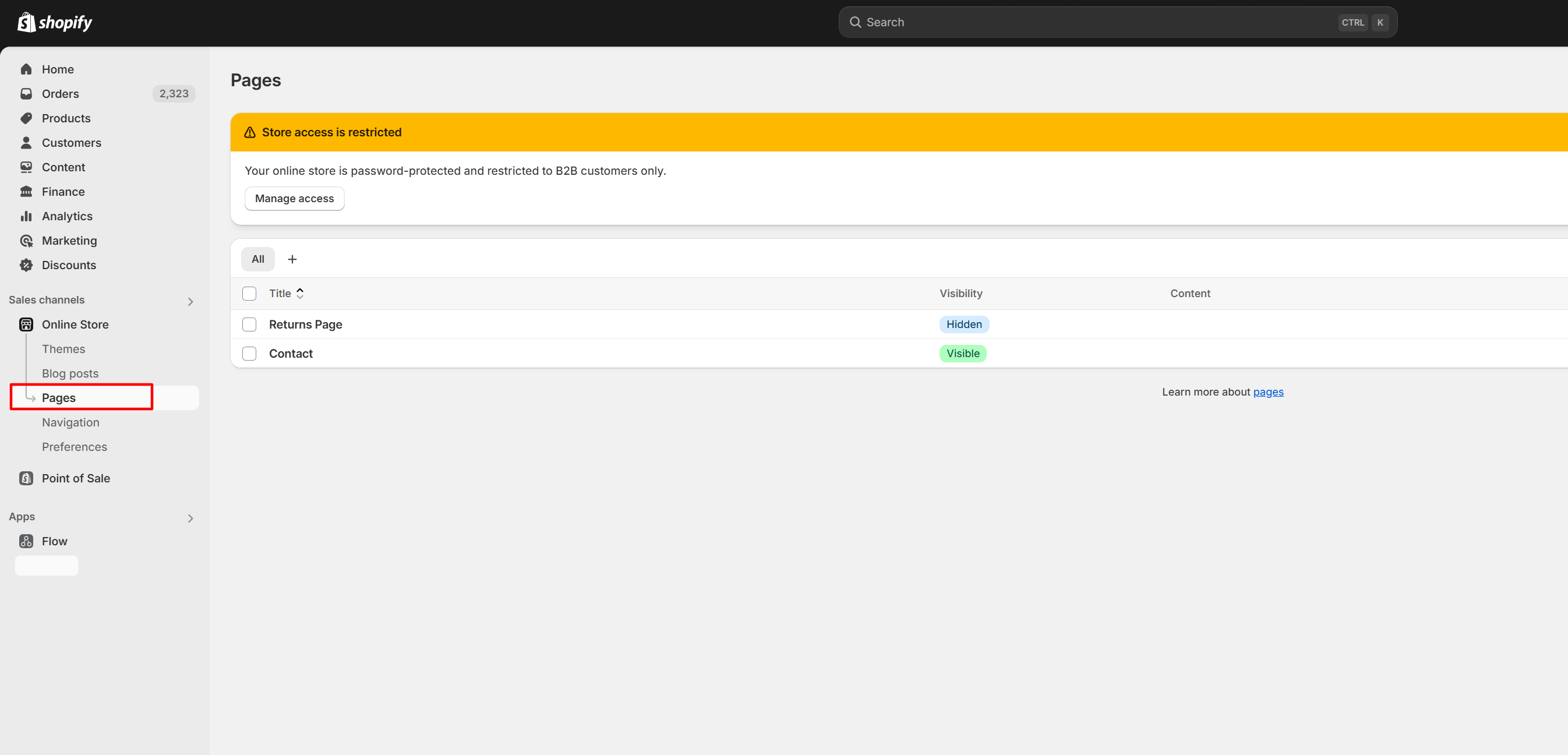
Click on Pages.
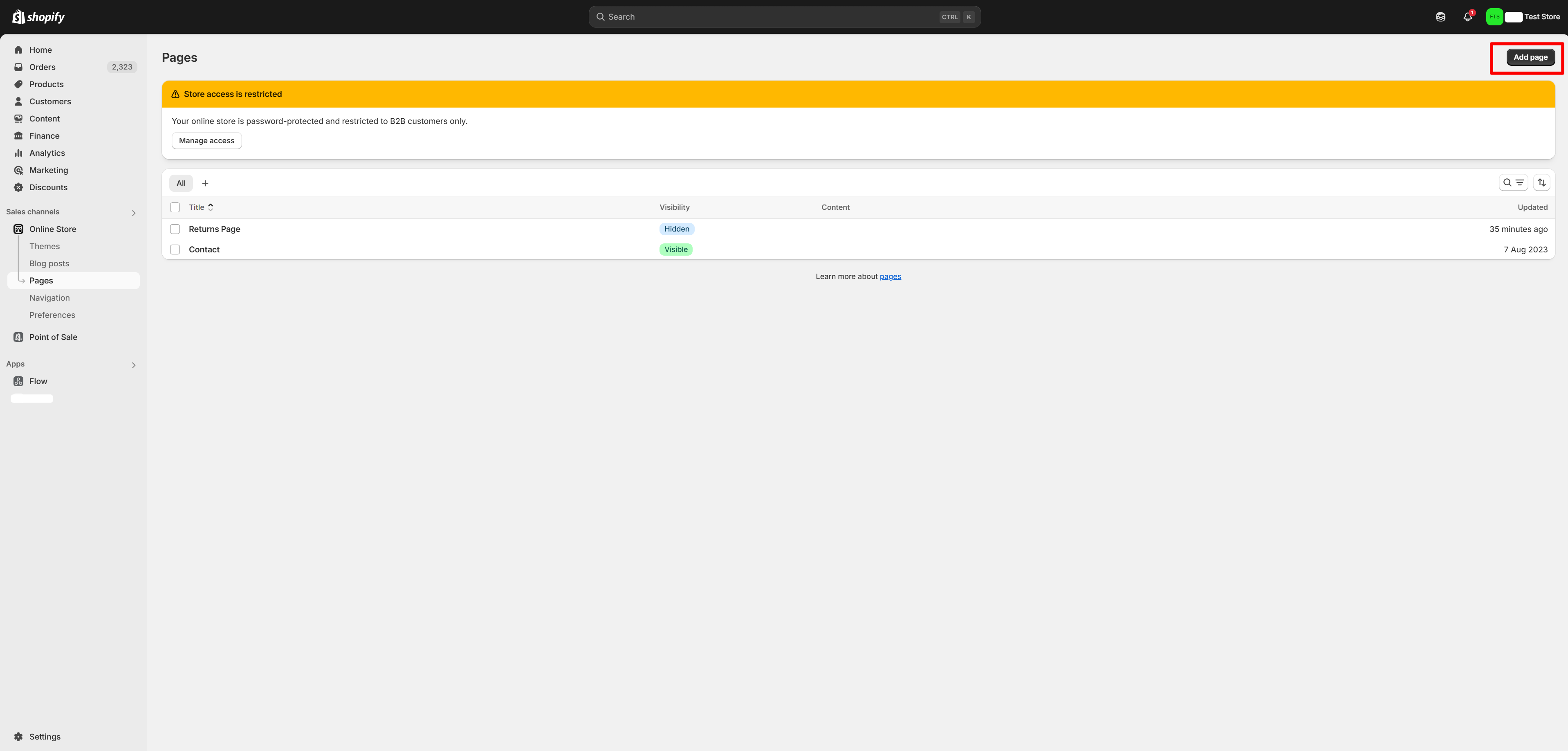
Click on Add Page
Step 3: Configure the New Page
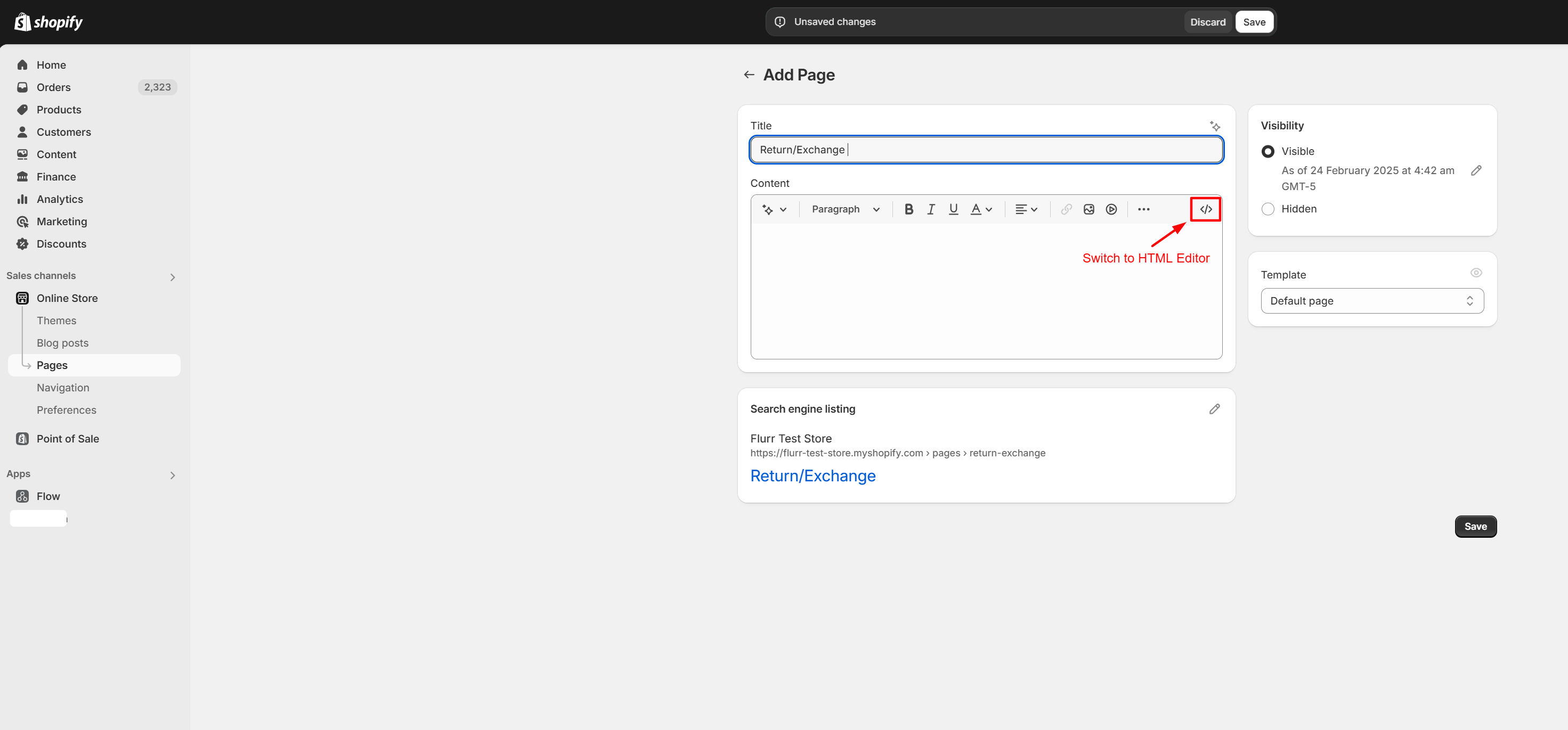
- In the Title field, enter a suitable title for your return page, such as "Returns" or "Return & Exchange".
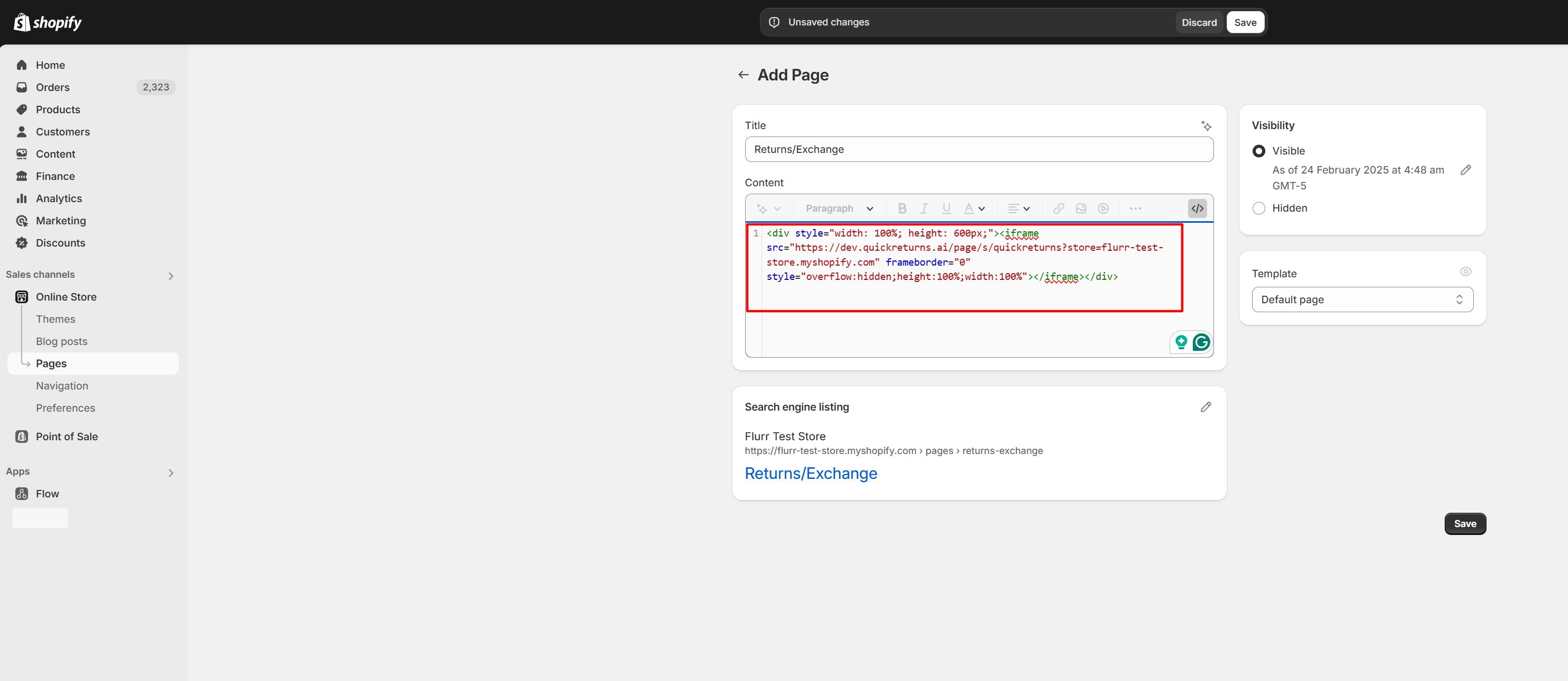
In the Content section, switch to the HTML editor by clicking on the <> icon.
Step 4: Embed the Return Page Code
Obtain the embed code for your Returns page from your QuickReturns dashboard.
- Log in to your QuickRetruns App.
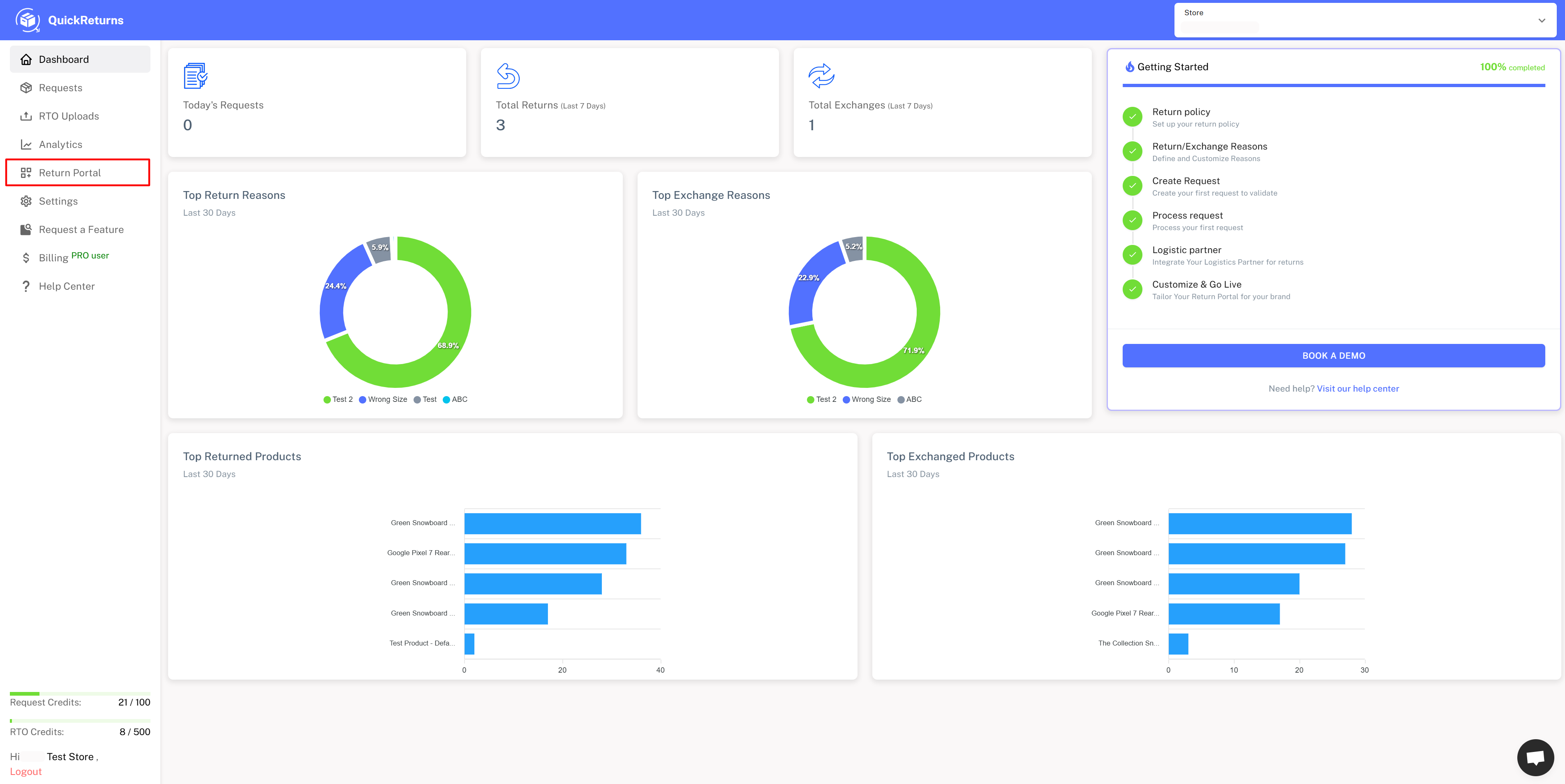
Navigate to the Return Portal tab from the left-side menu.
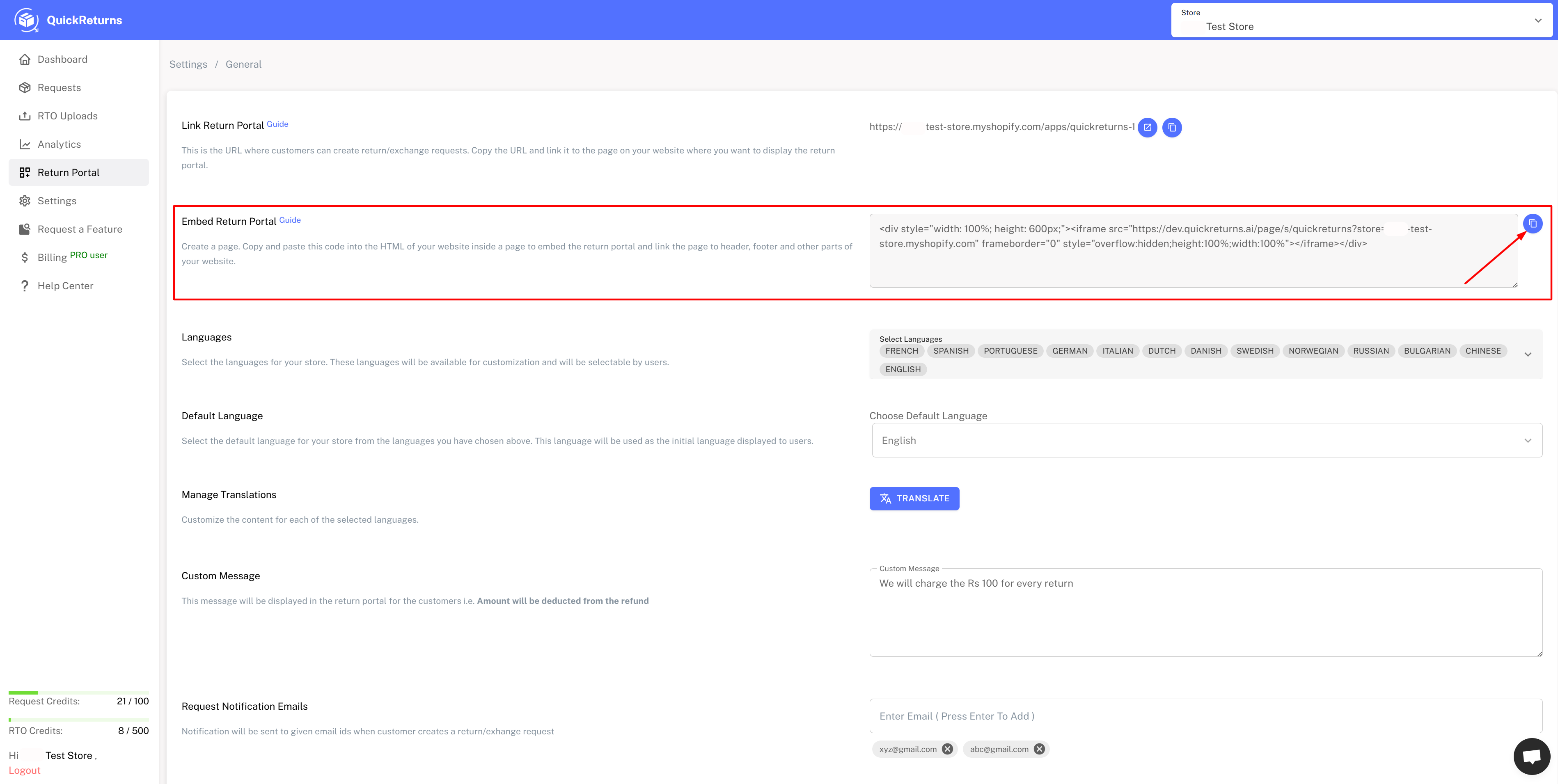
Copy the provided embed code.
Paste the copied embed code into the HTML editor of the new page on Shopify.
Step 5: Save and Publish the Page
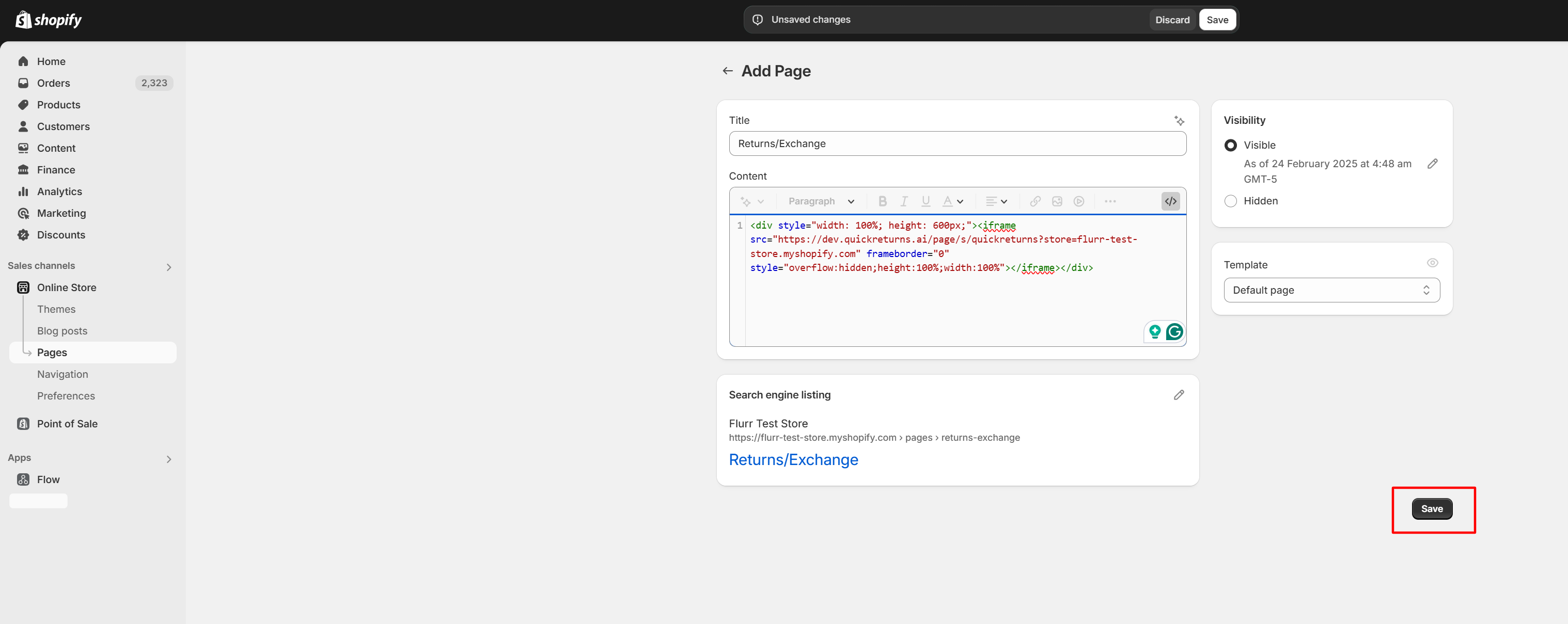
Click Save to create a new page.
- You can view the new page by clicking on the View Page button after saving.